BITX DEVOPS
Ideas.
Code.
Possibilities.
Software built by BITX. Discover the projects, explore their interfaces and see what comes next.

OUR SOFTWARE
Explore what we build.
Select a project image to open its presentation.
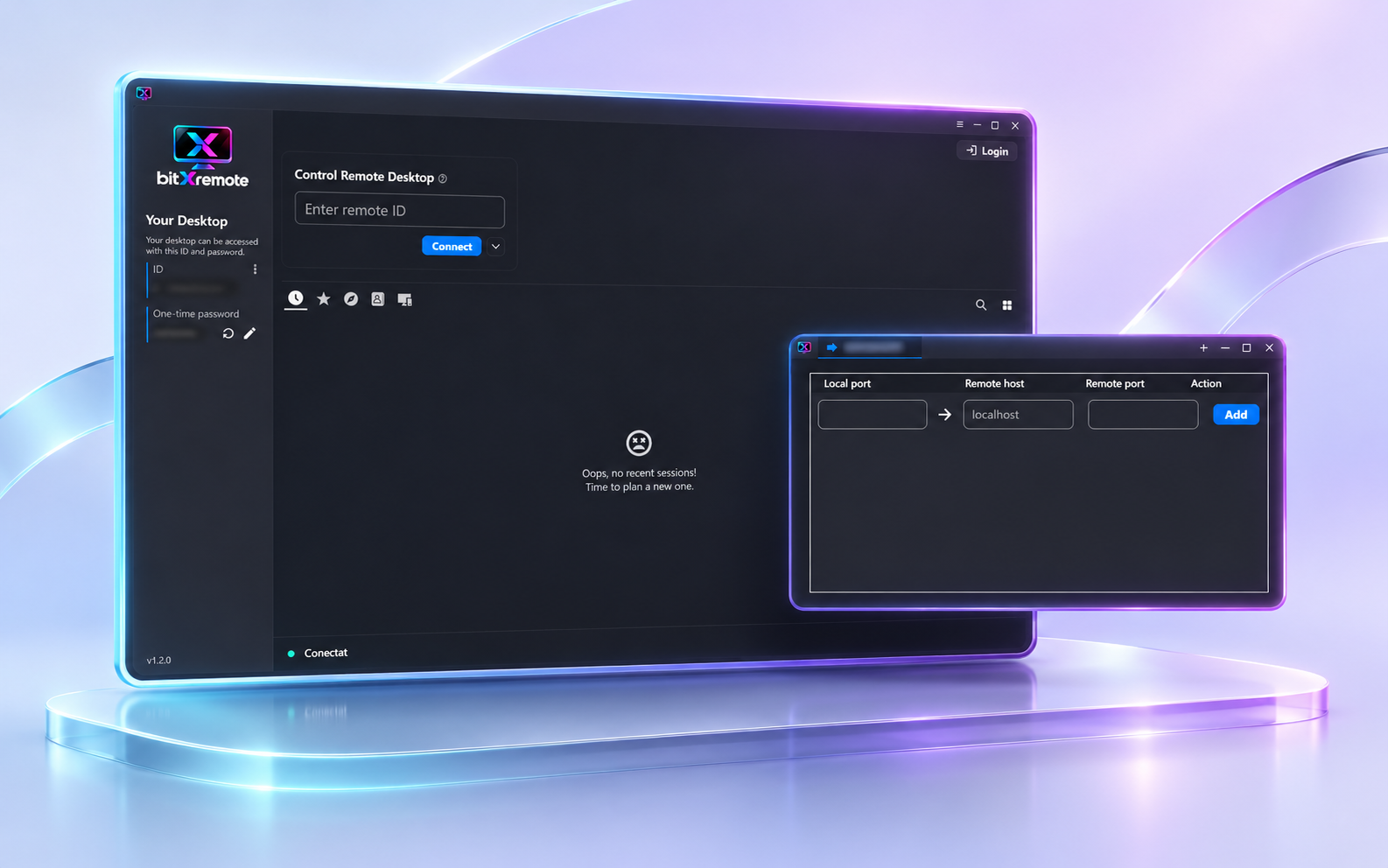 Remote access
BITX Desk
Your computer. Wherever you are.
BITX Desk
Your computer. Wherever you are.
A remote desktop application for connecting to computers and providing remote assistance. Its interface brings together device identification, connections and session options.
- Remote desktop connections
- Access through a device ID
- Session and port options
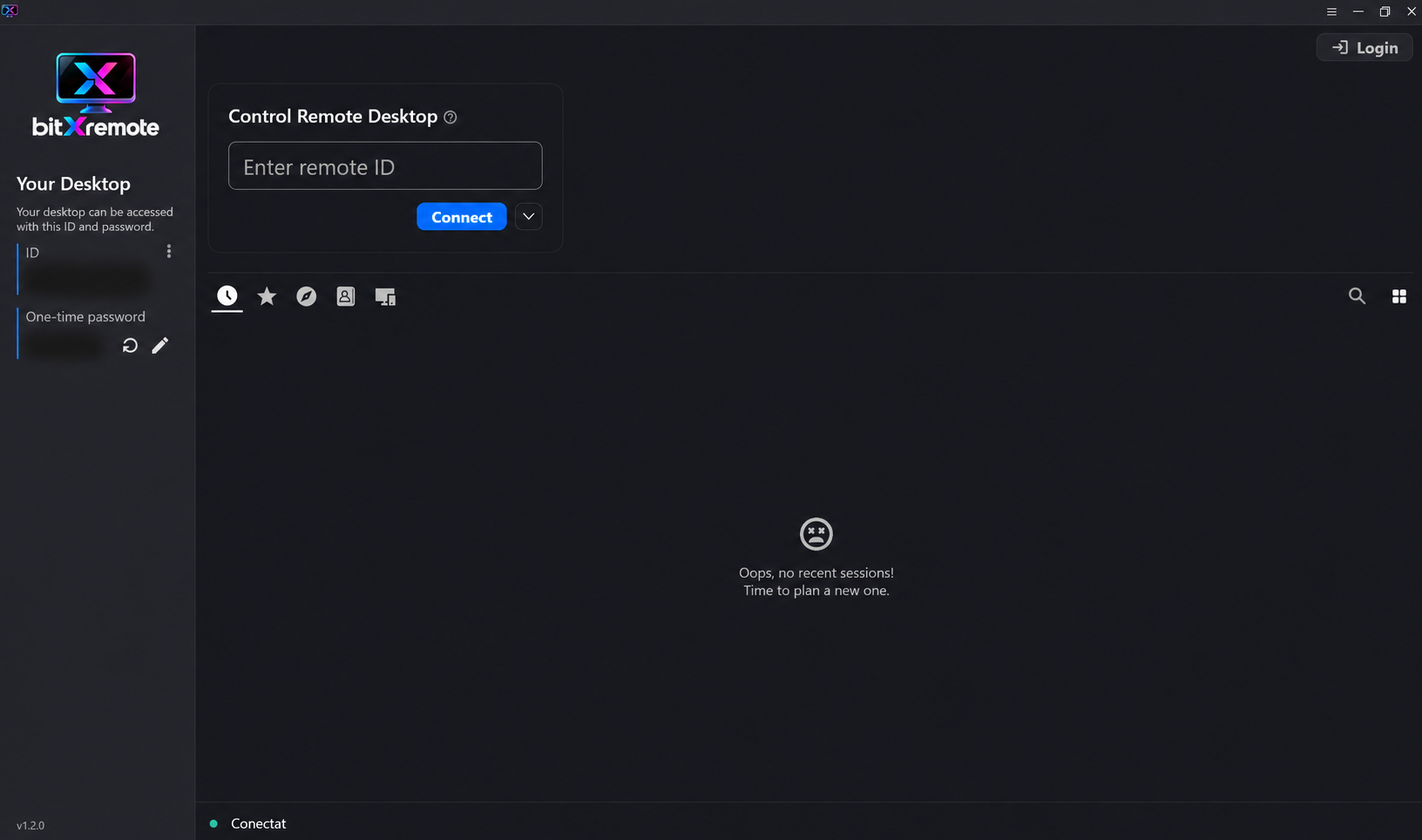
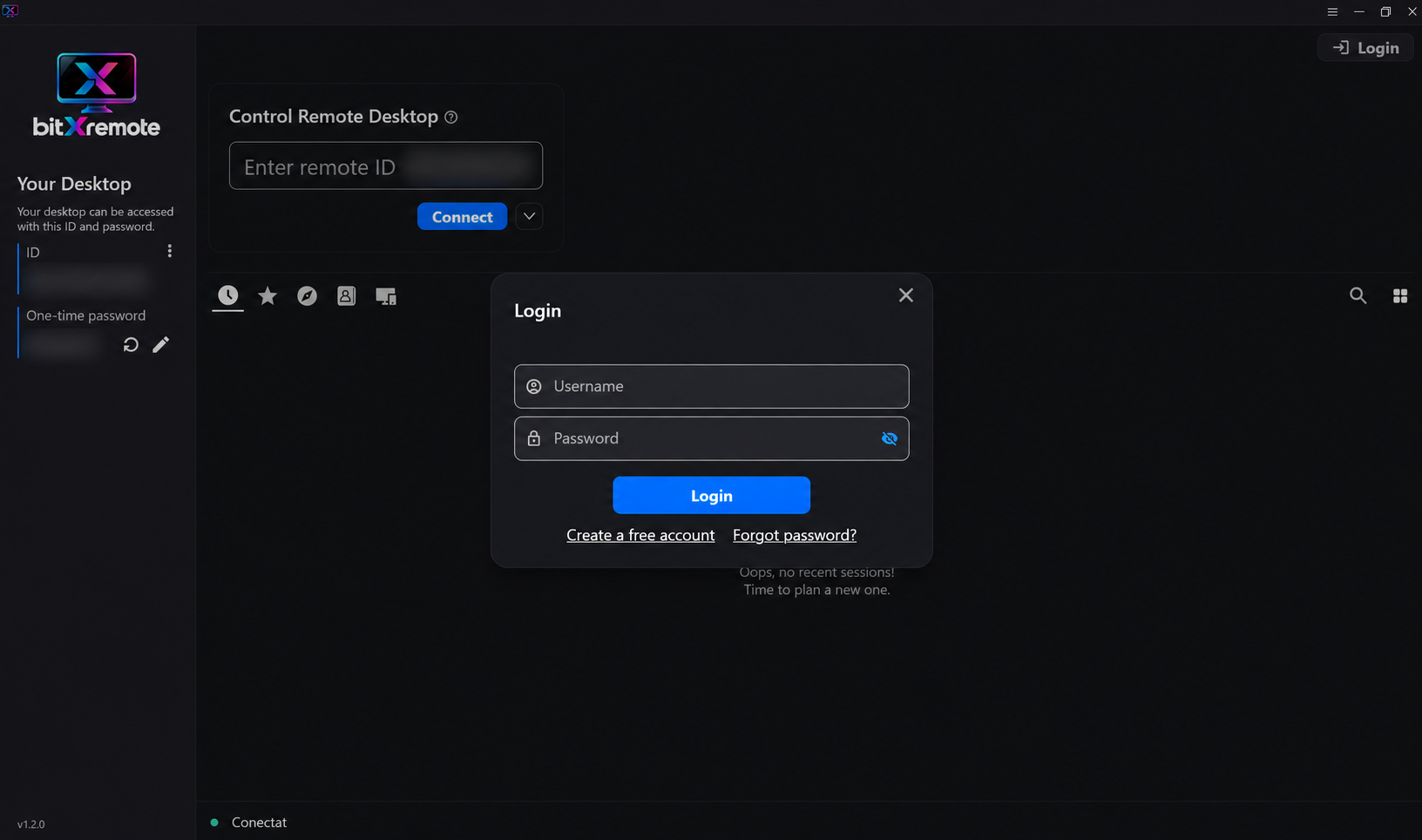
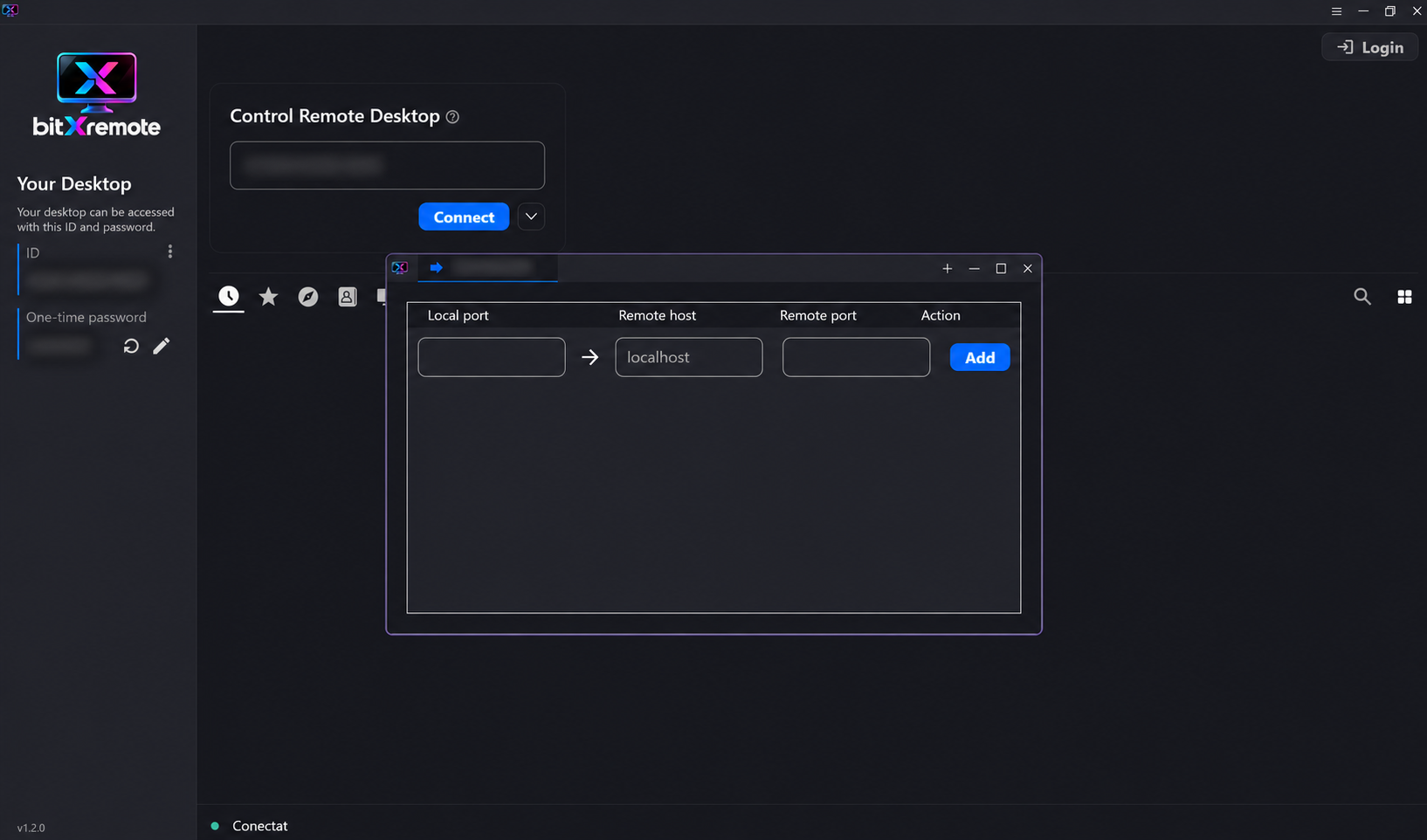
Device identifiers and temporary passwords are hidden in these screenshots.
 IT monitoring
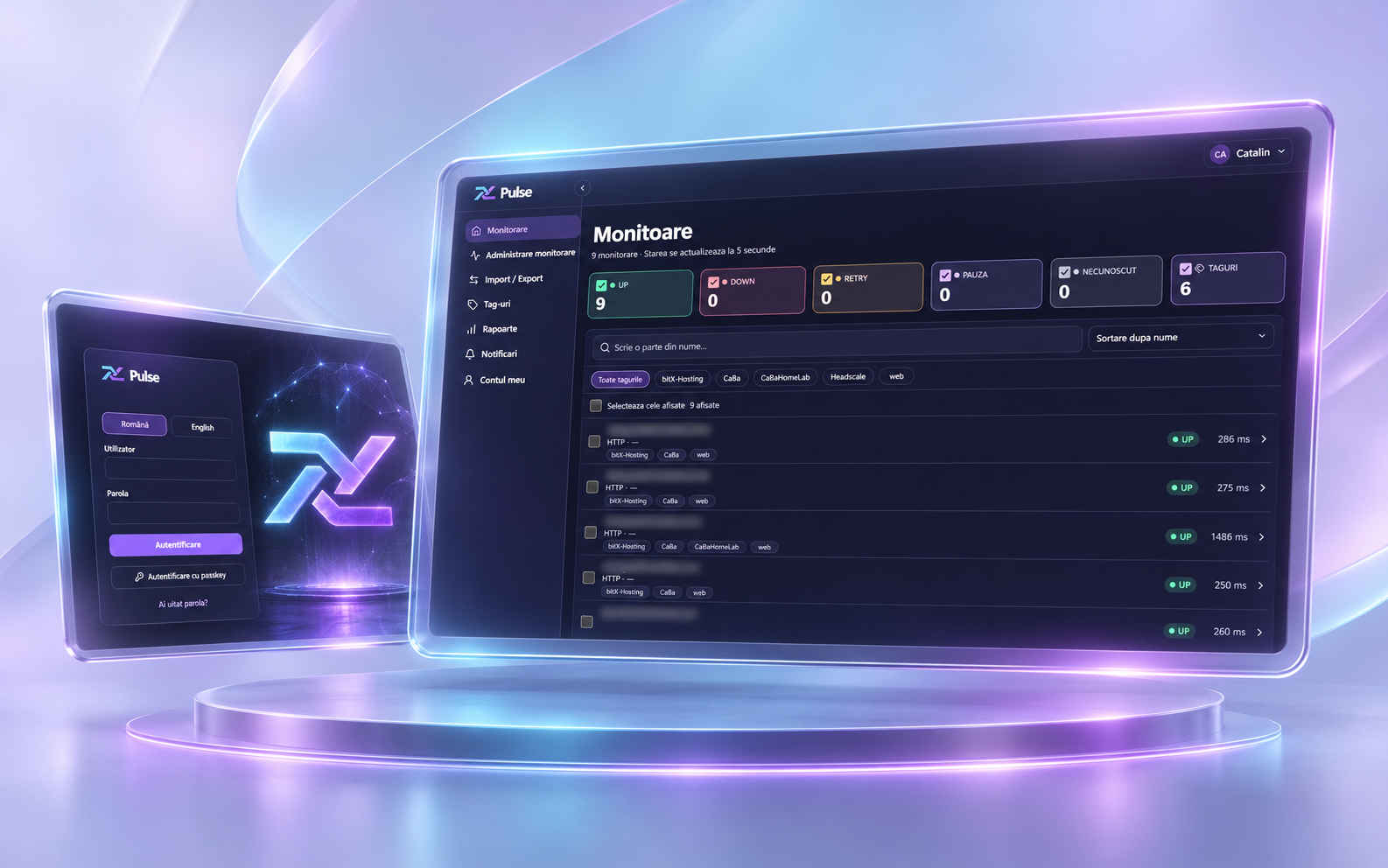
BITX Pulse
Closer to your infrastructure.
BITX Pulse
Closer to your infrastructure.
An application dedicated to monitoring servers and equipment. A place to follow your infrastructure and see what needs attention.
- HTTP/HTTPS and PING monitors
- UP, DOWN, RETRY and paused states
- Tags, reports and notifications
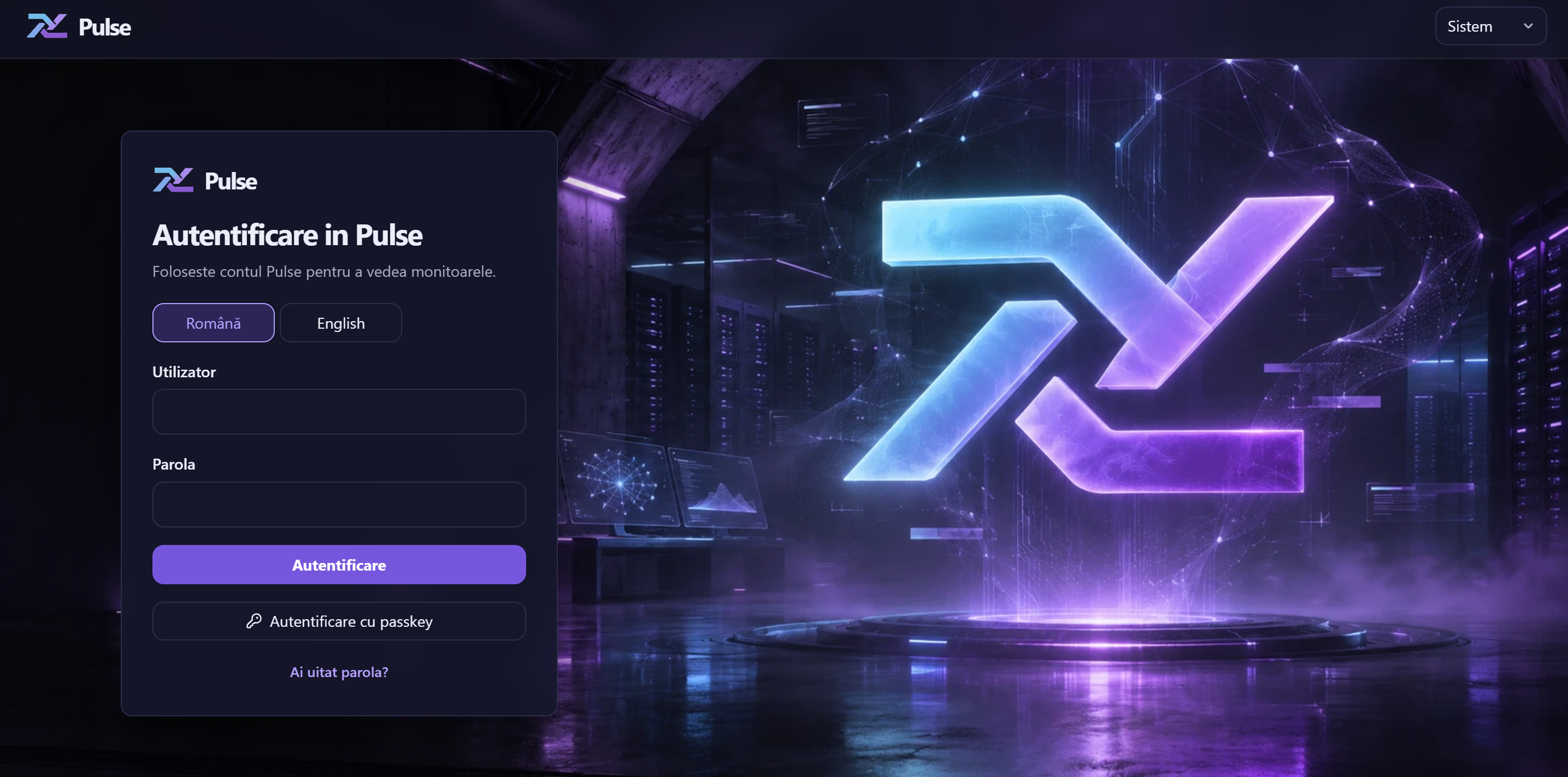
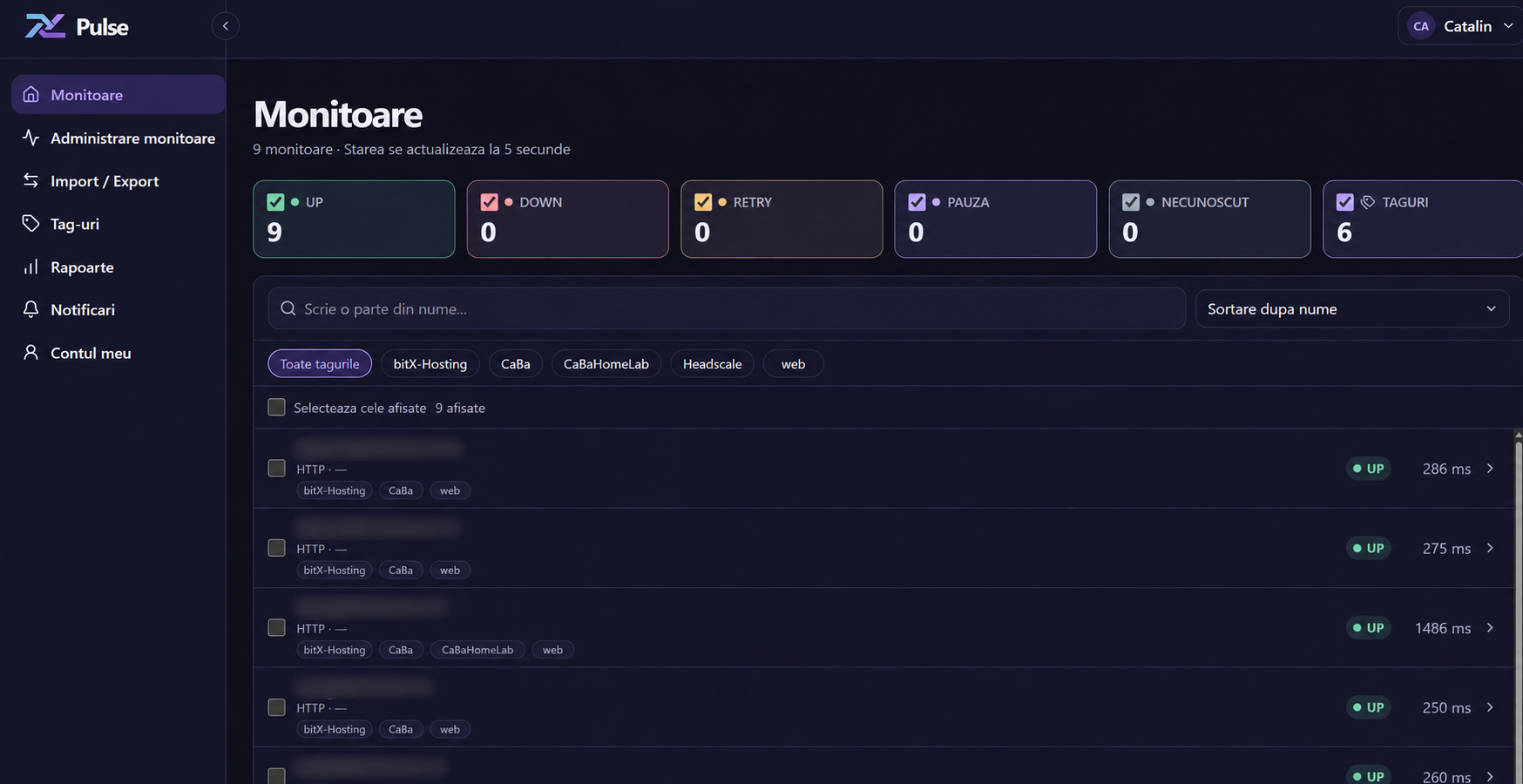
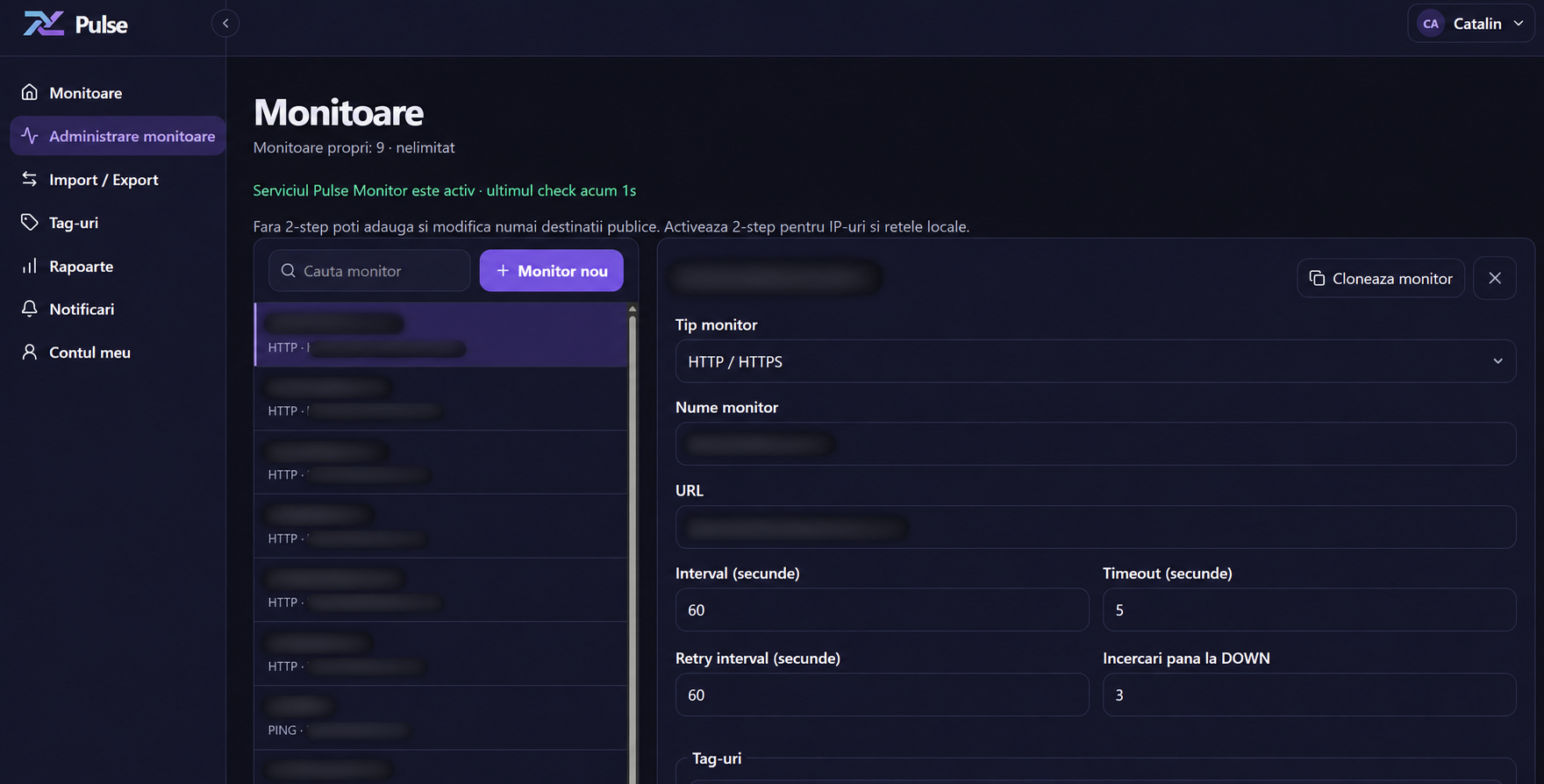
Website domains and monitored addresses are hidden in these screenshots.
 Audio & video
BITX Media
The content you need, within reach.
BITX Media
The content you need, within reach.
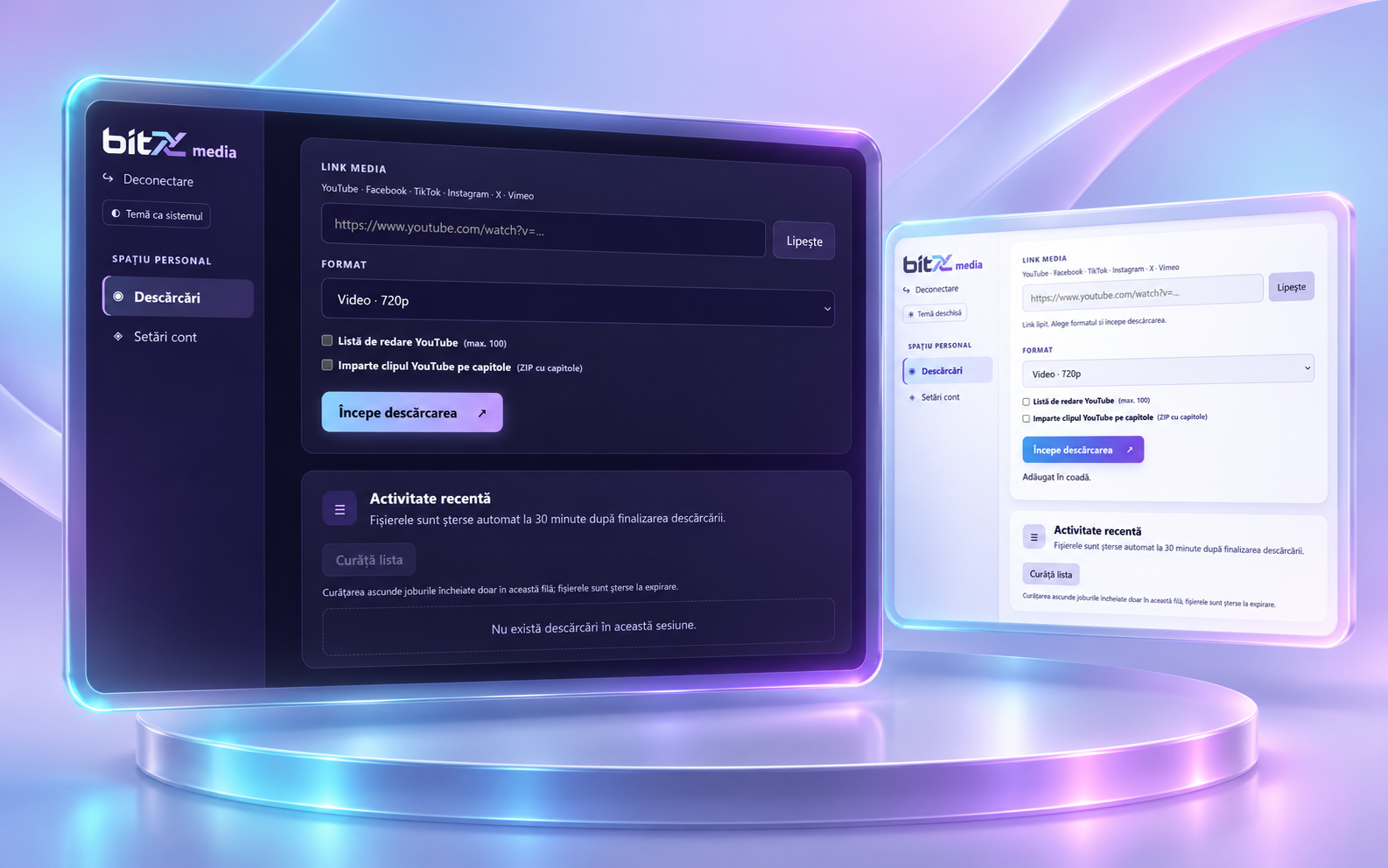
A tool for downloading audio and video from YouTube and other platforms where you have permission to download the content.
- Audio/video format selection
- YouTube playlists and chapters
- Recent activity and light/dark themes
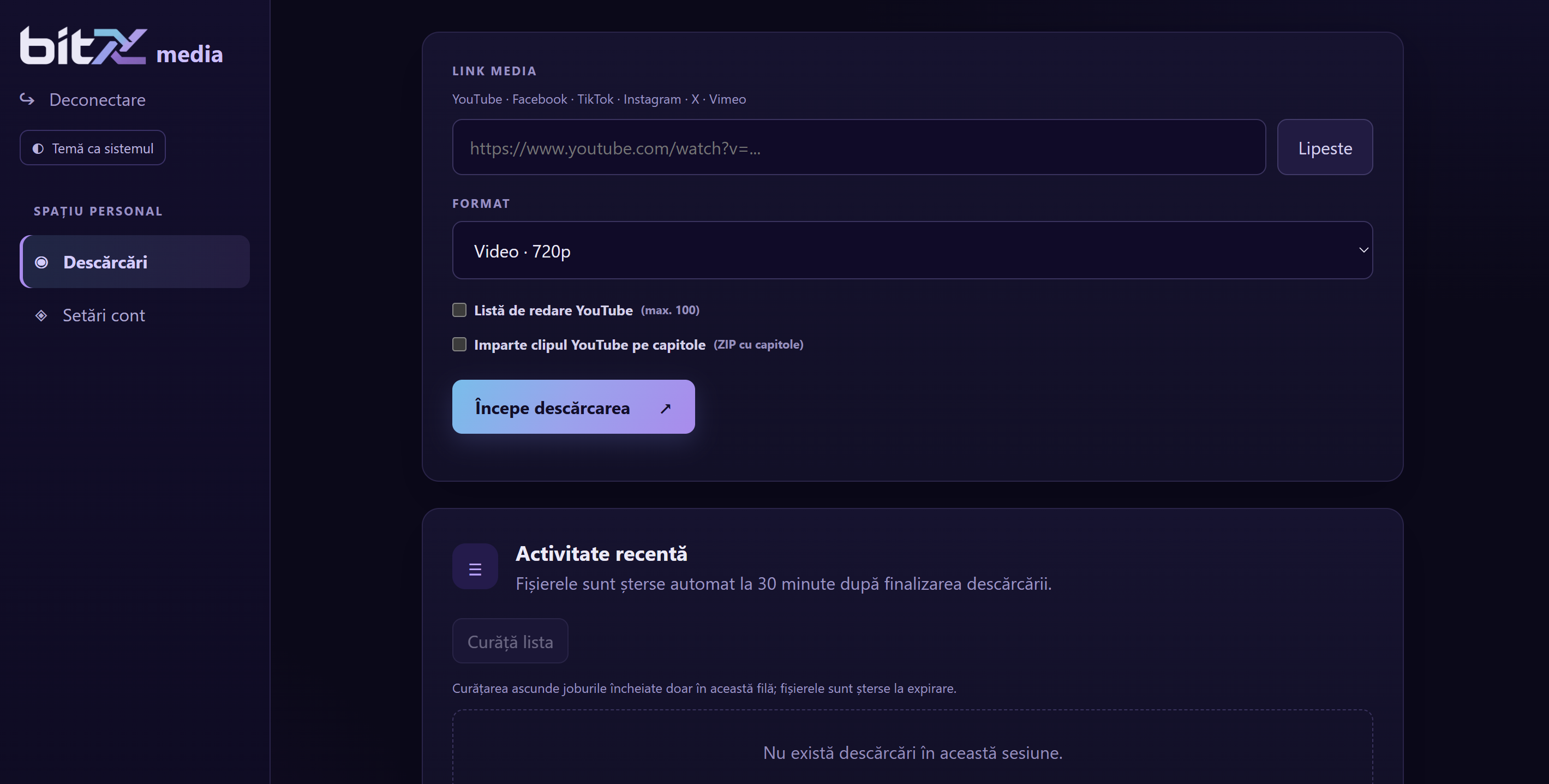
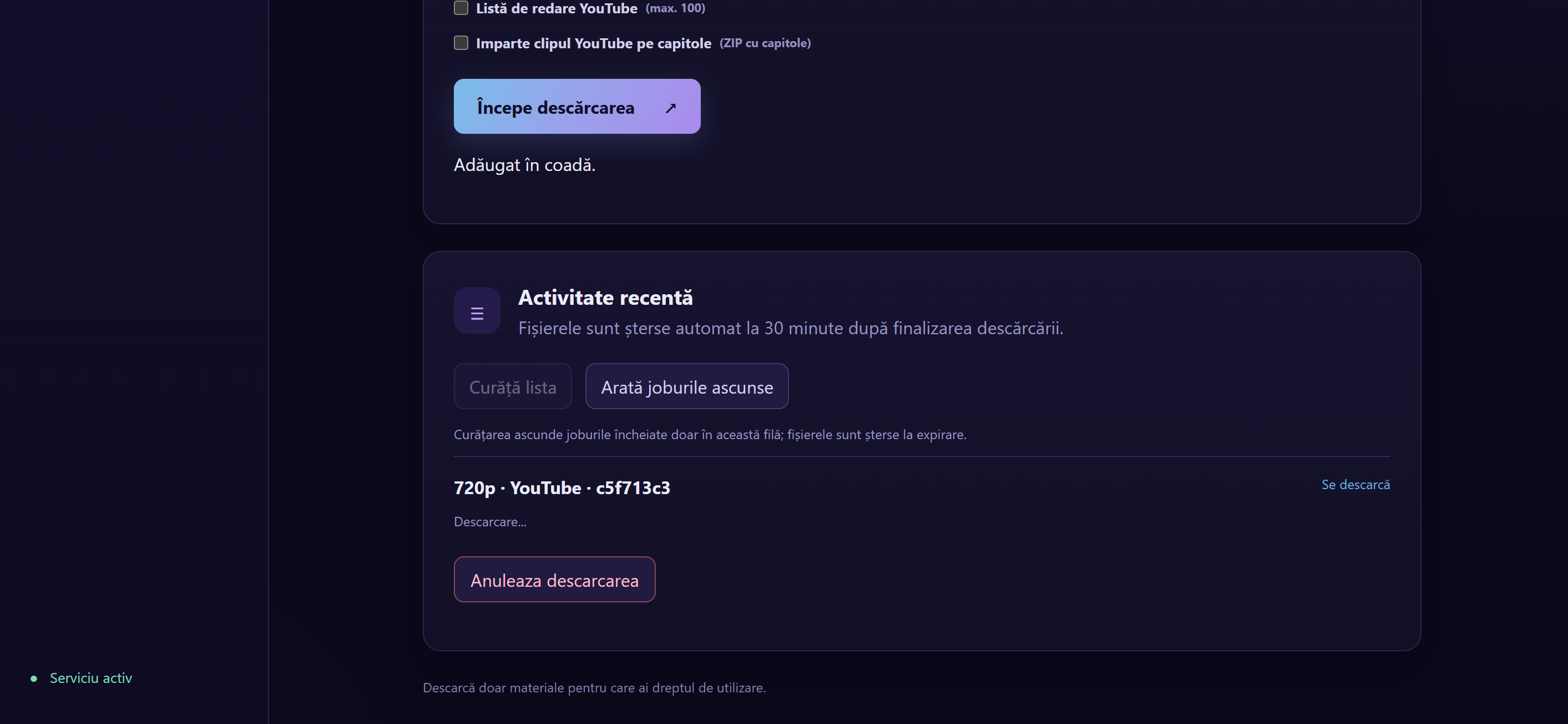
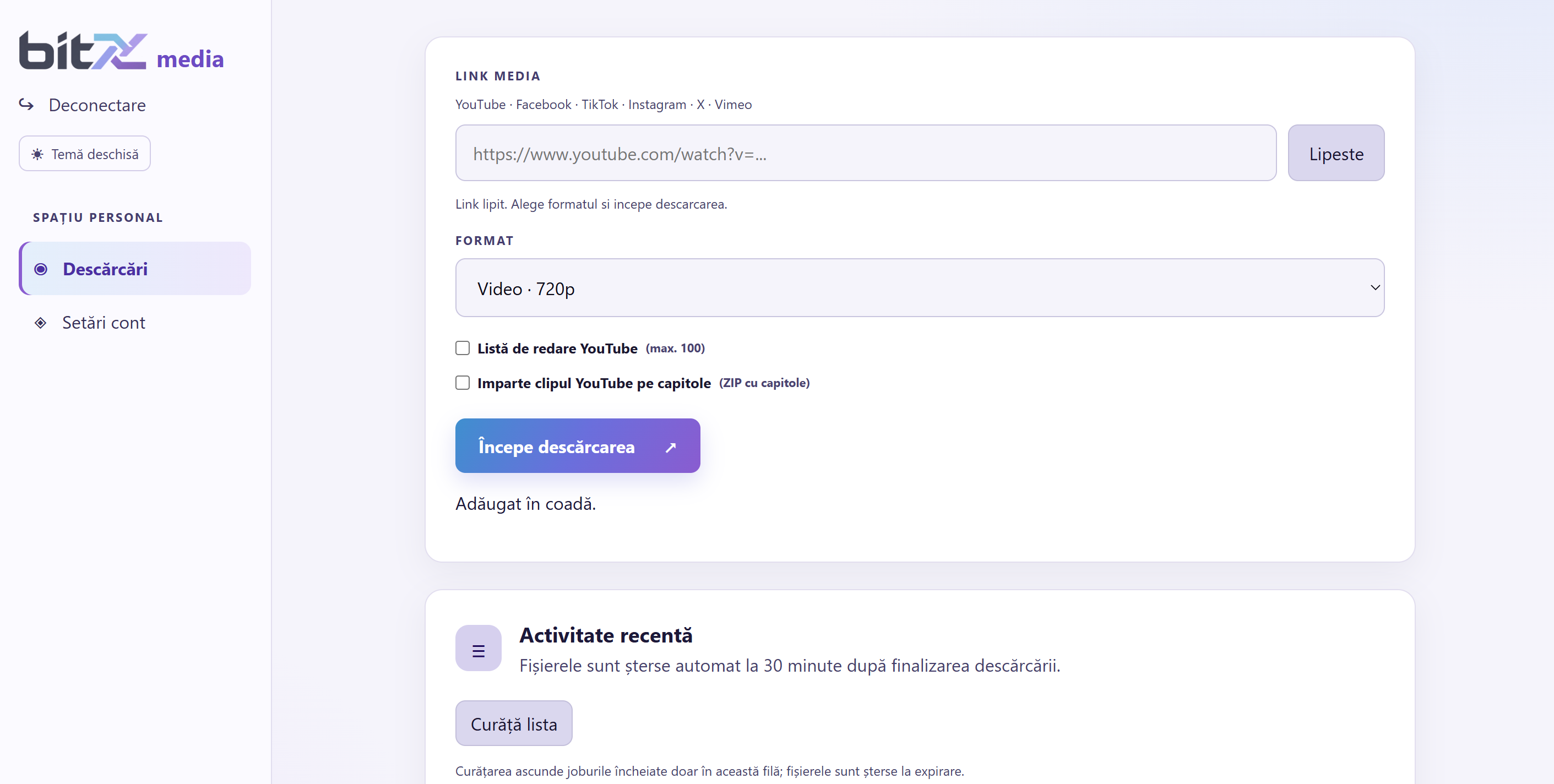
Screenshots from the application.
 Backup & files
BITX Backup Server
Files and backups, in one place.
BITX Backup Server
Files and backups, in one place.
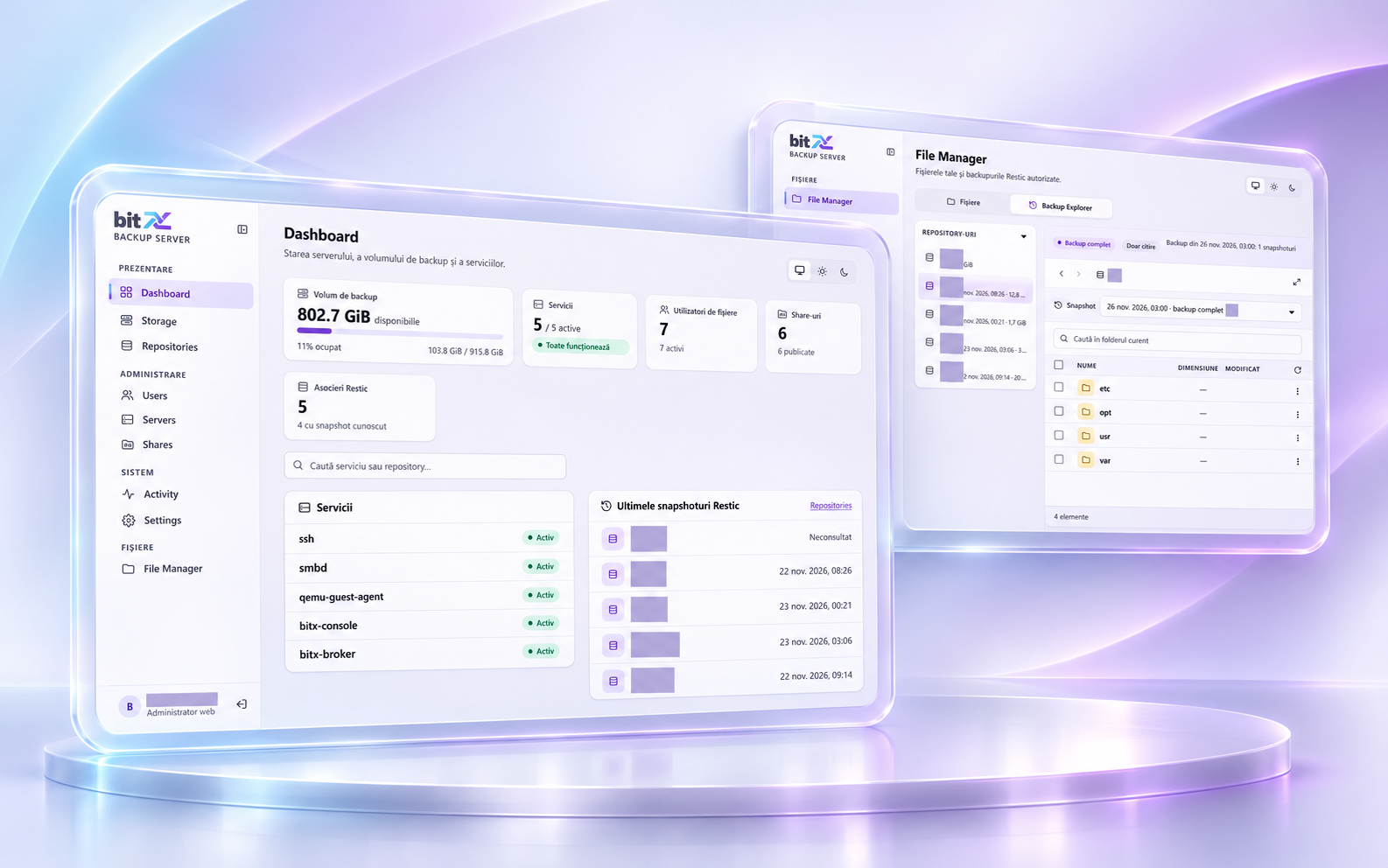
BITX Backup Server brings together storage administration, service visibility and Restic backups. The user interface supports working with files and exploring authorised backups, while administration separates web access from backup permissions.
- Storage and services dashboard
- File management and multiple selection
- Backup Explorer for Restic snapshots
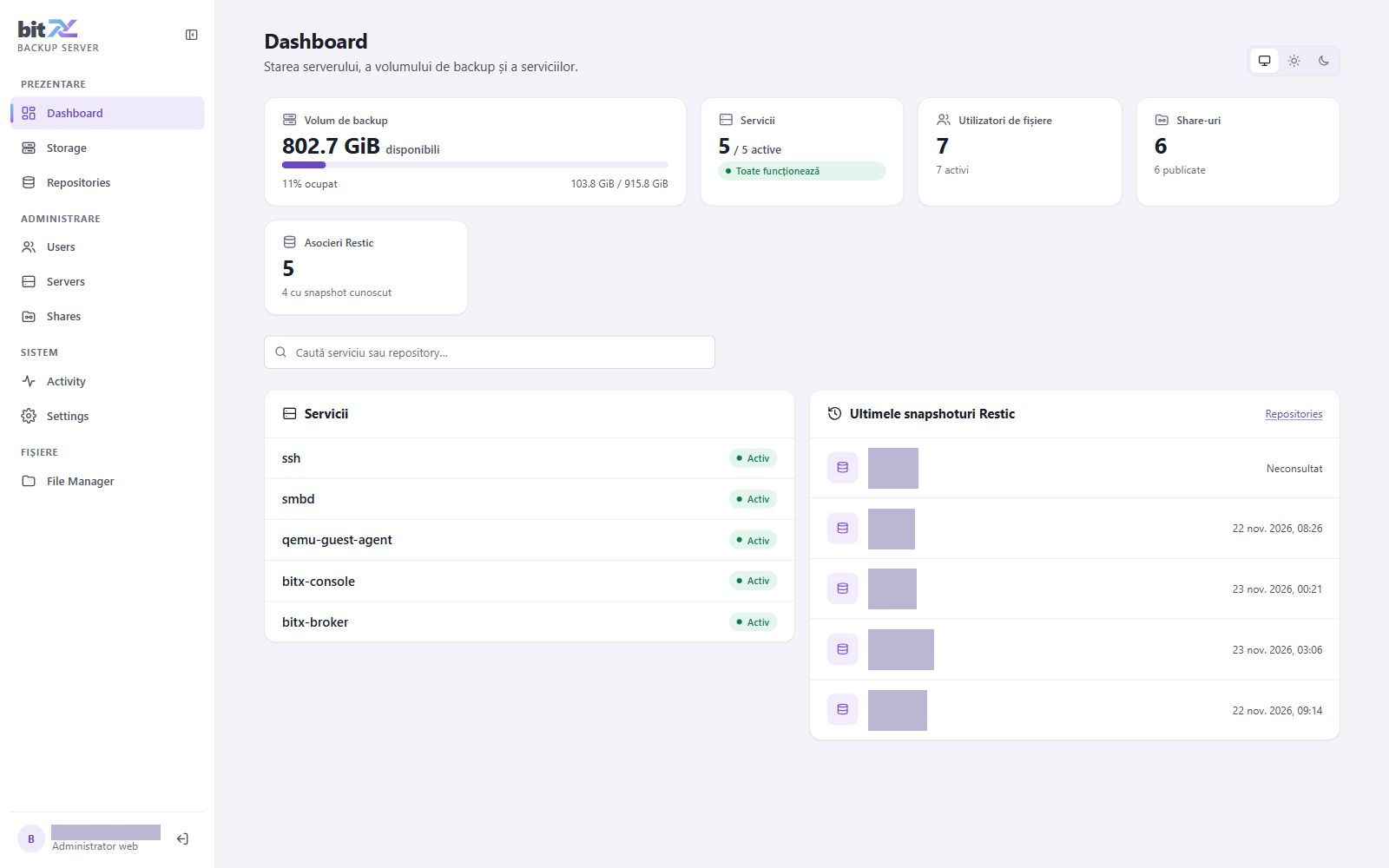
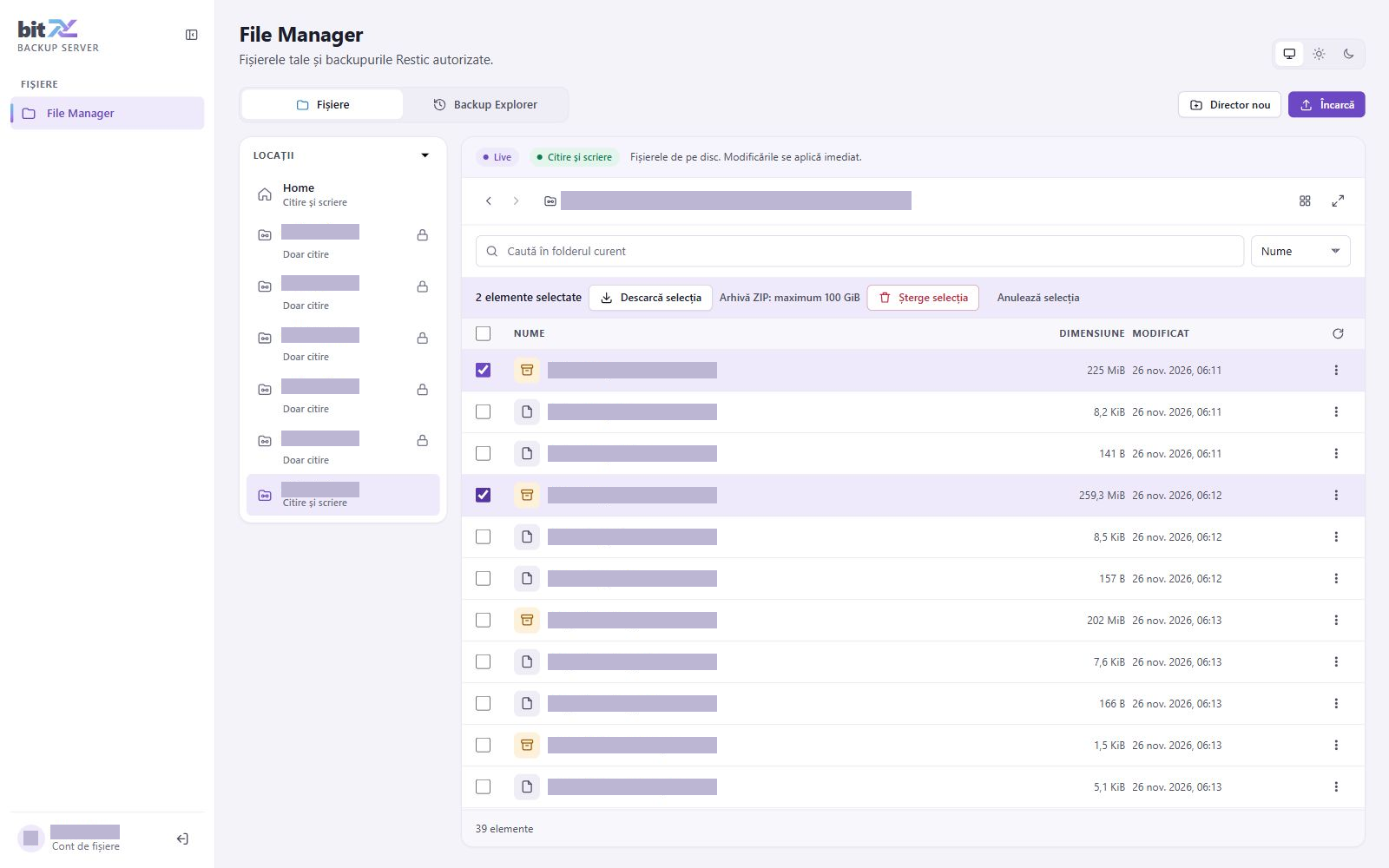
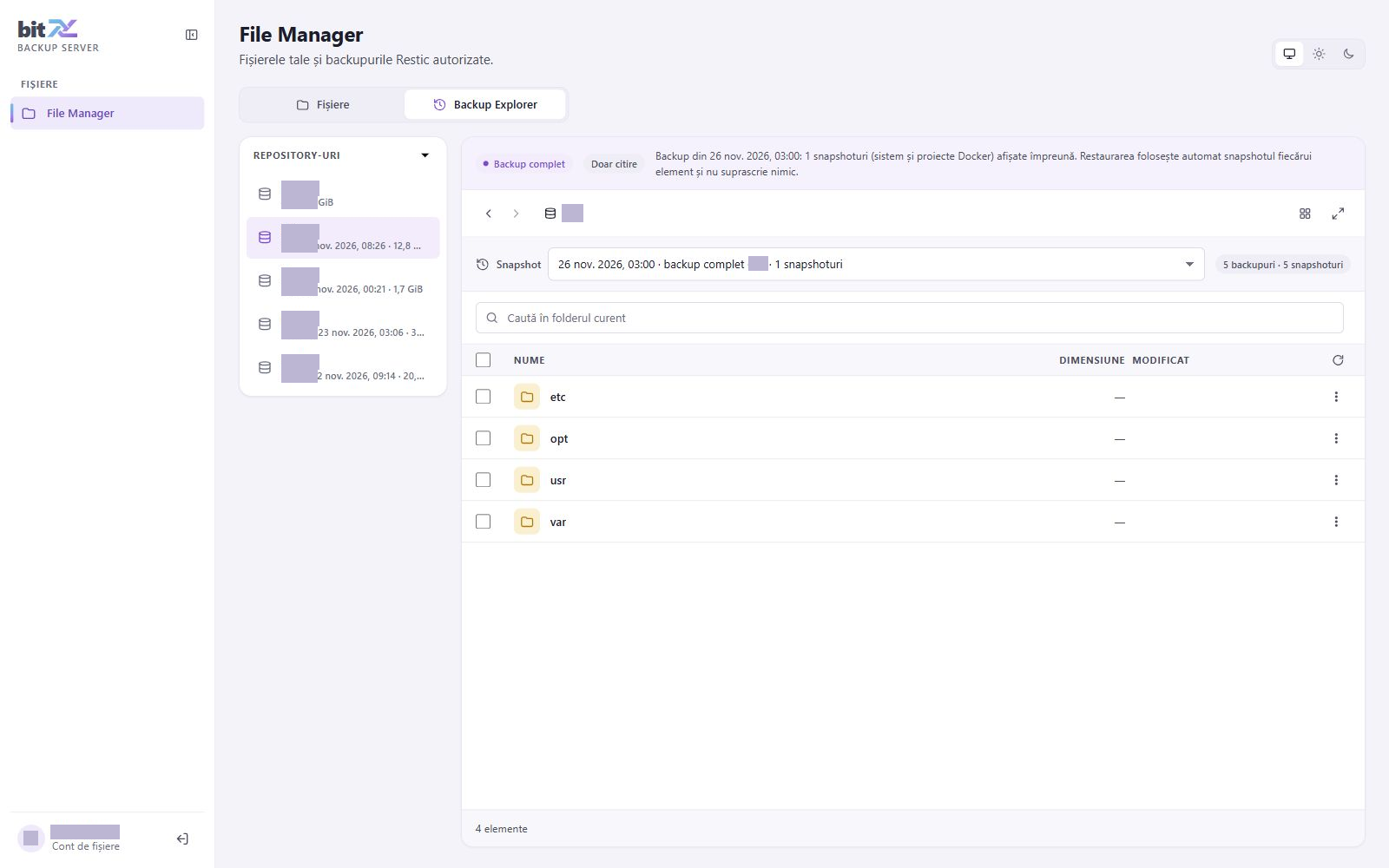
Usernames, repository names and personal file paths are masked in these screenshots.